
How to Mod your Wii in 2026! | Homebrew Channel, Wii + GCN Games, USB Loader GX, + More!
Wii Modding Guide
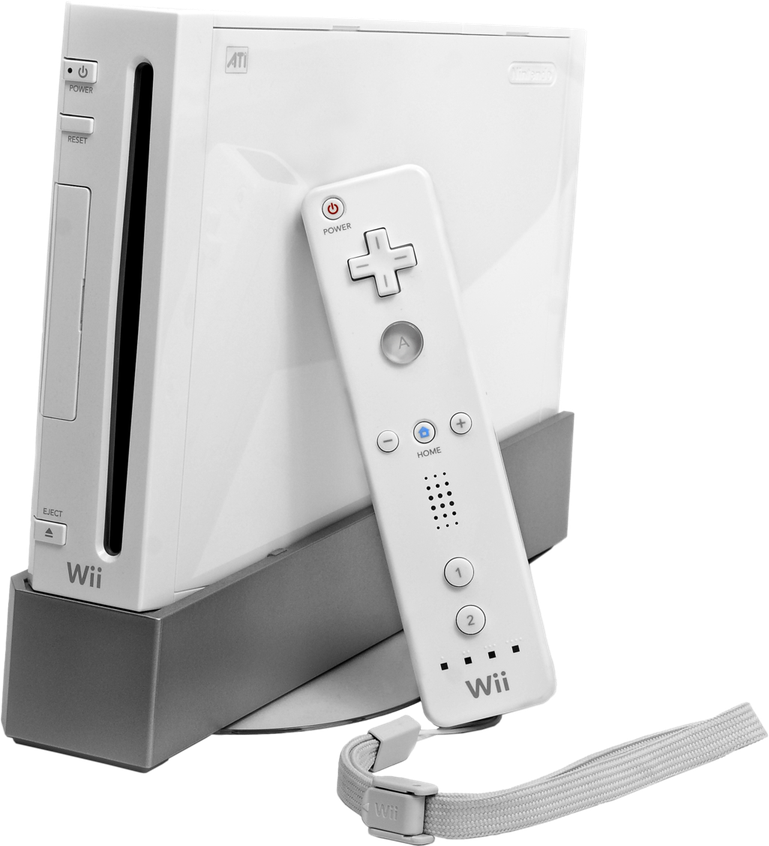
(FS47)
Disclaimer
This guide is for the Wii! It DOES NOT work on the Wii U’s vWii OR Wii Mini. They are similar but require different files/steps. Refer to my other videos for those guides.
If you are unfamiliar with this process, it’s good practice to watch the video through once to get an idea of how it works before doing it yourself. Take it slow, and you shouldn’t run into any issues.
Of course, this guide will not show you how to obtain any paid software illegally.
As always, HAPPY MODDING!
Downloads
Fat32 Format: http://ridgecrop.co.uk/index.htm?guiformat.htm
Wilbrand: https://wilbrand.donut.eu.org/ (only for non-Internet method)
Usbloader GX App & Forwarder: https://github.com/wiidev/usbloadergx
Nintendont: https://oscwii.org/library/app/Nintendont
Priiloader: https://oscwii.org/library/app/priiloader
Load Priiloader App: https://oscwii.org/library/app/loadpriiloader
YawmME: https://oscwii.org/library/app/yawmME
Custom IOS Wads: https://drive.google.com/file/d/1EuubAkKN-IahgspEdtNFTPlZbx2644AT/view?usp=sharing
Backup CIOS Link: https://drive.google.com/file/backup-cios-link
Open Shop Channel: https://oscwii.org/library/app/homebrew_browser
USB Compatibility List: https://wiki.gbatemp.net/wiki/USB_Devices_Compatibility_List
This DOES NOT guarantee success as info can be outdated
Game Setup (Windows/Mac/Linux): https://github.com/mq1/TinyWiiBackupManager
Support Discord Server: https://discord.gg/eVQkMaTQw2
My Patreon: https://www.patreon.com/c/FunkyScott47
Join for free to access resources, cough cough, games
TROUBLESHOOTING
The DNS Settings Exploit does not work
Some internet providers’ ISPs block this exploit from working. Known providers are Rogers, Xfinity & Spectrum. You can potentially bypass this by using your phone’s hotspot.
Wilbrand Letter does not show up in messages
Ensure your date and time are correct in your Wii Settings, and go back a few days and forward a few days to look for the letter.
USB Loader GX Issues
USB Loader GX freezes while loading
- “Reinitializing devices”: Your USB storage device is most likely NOT compatible, sadly.
- “Waiting for HDD”: Make sure your USB Storage device is plugged into PORT 0. (On the right side while standing up, or the bottom if the Wii is flat)
USB Loader GX loads as a white screen or says “switching to channel list mode.”
Your USB storage device is not compatible. It is recommended to have an HDD formatted as FAT32. Or try a different flash drive on the compatibility list OR the ones Scott links in his video. (PNY 32gb 2.0, PNY 128gb 3.0)
Games don’t show up
- Games MUST be WBFS format, properly set up using Tiny Wii Backup Manager. (Note: this program converts RVZ & ISO into WBFS)
- Make sure your USB storage is formatted as FAT32
- USB device may not be compatible… (many flash drives are not)
Starting a game sends you back to Homebrew Channel
Your custom iOSs are not installed correctly. Redo the process and make sure they were successfully installed using YawmME.
Game loads into a black screen
Most likely a problem with the game file itself. Try using a different download source for WBFS files. Check my Patreon or Discord Server.


